 ChamaQuest
The Game
Everything you want to know before you start: the world, your heroes, the controls and the most frequent questions.
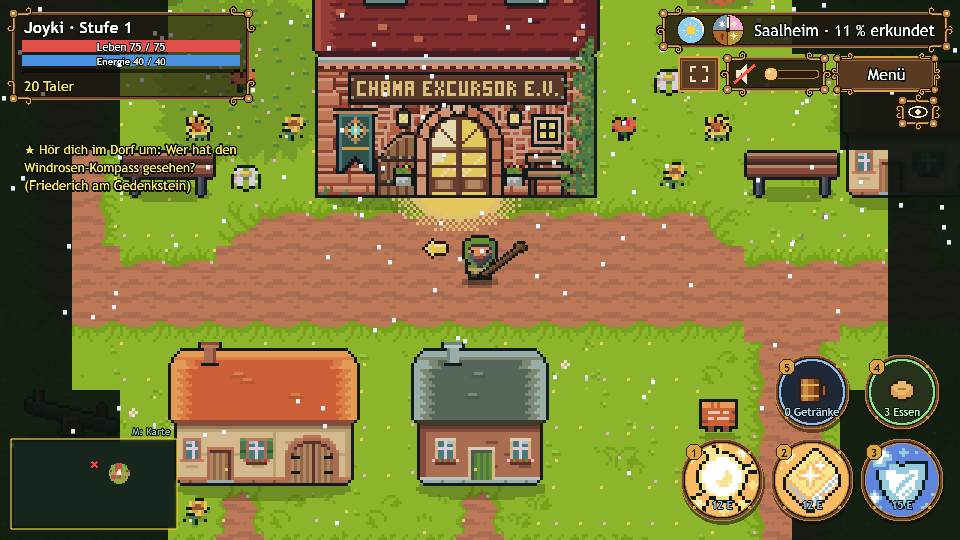
The world
The Compass Rose has vanished from the village of Saalheim – the most important emblem of the guild. You ask around, follow the tracks and discover, place by place, a world full of little stories, secrets and friendly (and not so friendly) inhabitants.
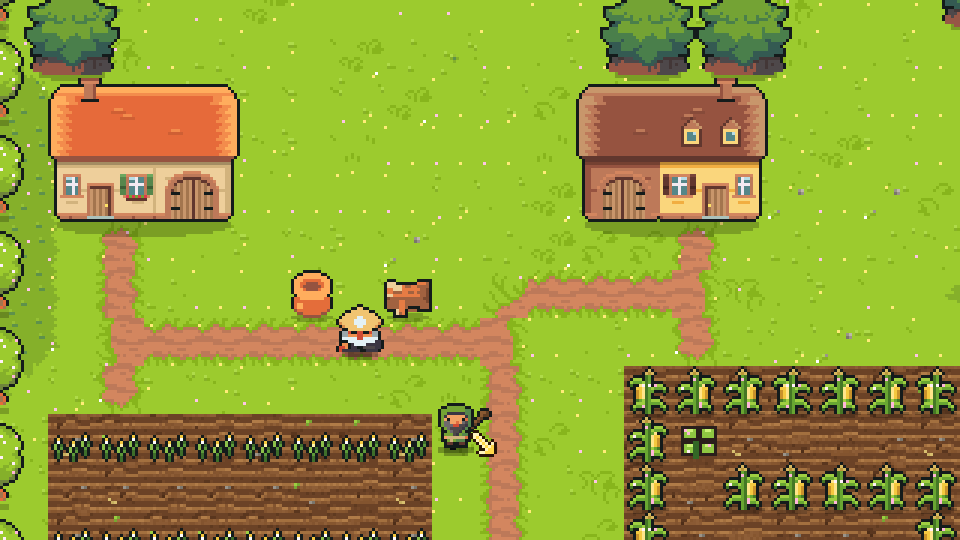
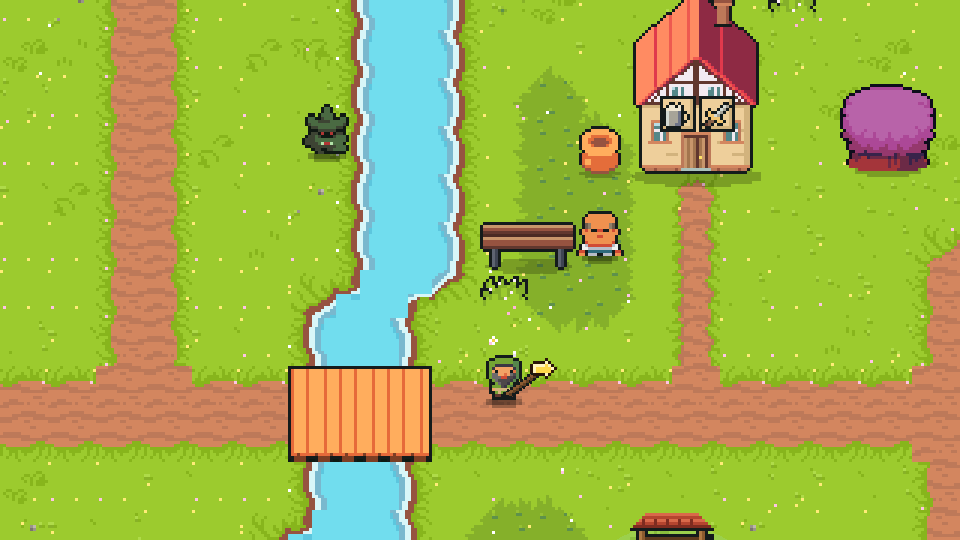
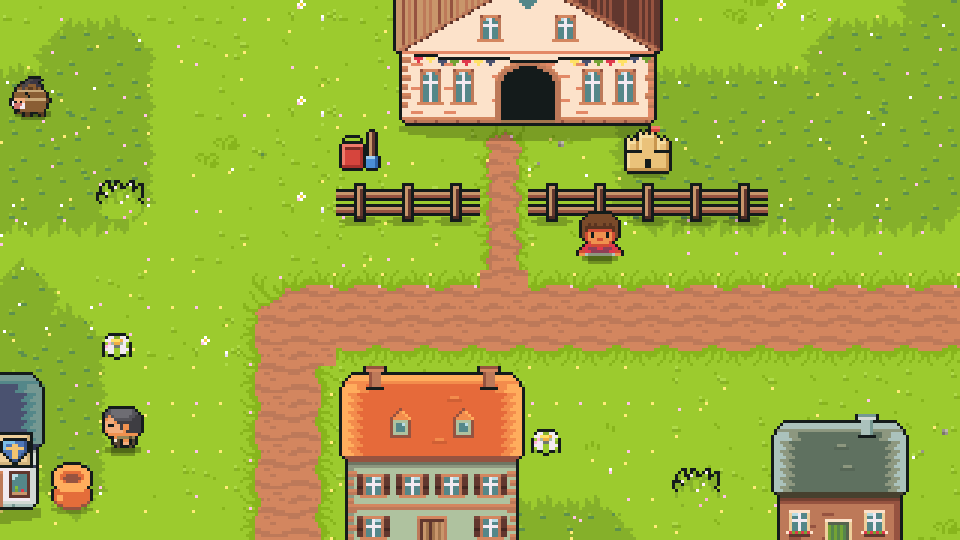
The first big fight awaits you already in the Saalheim Countryside: the Highland Mouse Queen. And beyond Hirschenberg? Mountains, forests, trolls and many more secrets. Best find out for yourself.
Heroes and Witch Mode
You play one of five heroes: Joyki, the monk with staff and light spells, Krenym, the warrior with sword and shield, Heywood, the ranger with a bow, Norman, the elementalist, or LittleJoe, the scout with dagger and throwing stars. Each fights differently and has three skills of their own.
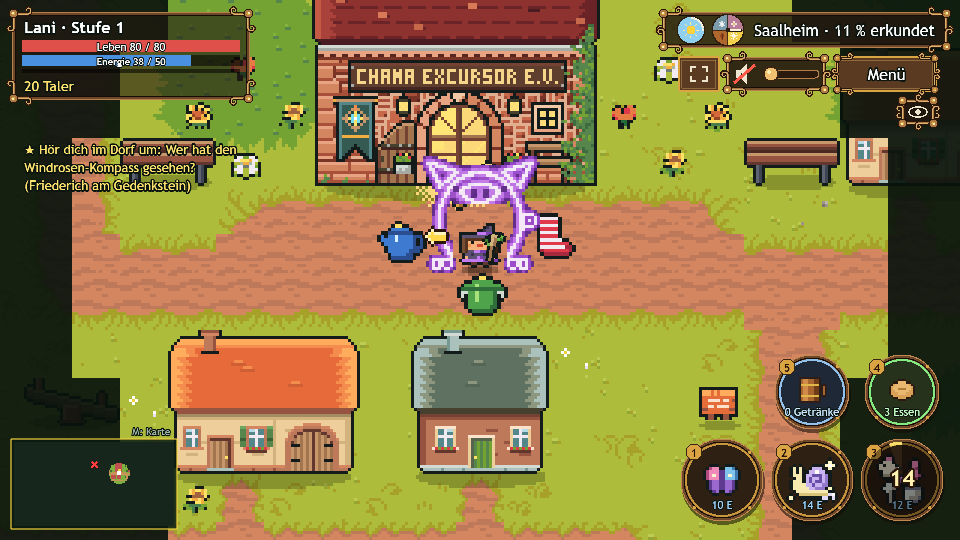
In Witch Mode you play one of the five witch princesses of Saalheim: Miralotti, Tildegard, Sundula, Fienchen or Lani. It is a little easier and full of chaos, perfect for young witches and wizards, and has its own leaderboard. All heroes and witches at a glance
How to start
- Tap “Play now”. The game starts right in your browser, nothing to install.
- Pick a free save slot (there are six) and choose your hero, or a witch in Witch Mode.
- Choose the difficulty: Easy, Normal, Veteran or Hardcore (only one life).
- Set off and talk to Friederich at the Memorial Stone. He tells you what happened in Saalheim.
Tip: In “Easy” mode, attacking, pathfinding and eating happen automatically – ideal for younger children, ideally together with an adult.
The game speaks German and English. It starts in English if your browser is set to English, and you can switch any time: “Deutsch” / “English” on the title screen and in the Guild Book.
Controls
On a PC
Walk: click on the ground (hold to keep walking) or WASD or the arrow keys. Attack: click on an enemy. Talk and use: space bar or E. Skills on 1–3, food on 4, drink on 5, map on M, mouse wheel to zoom.
On phones and tablets
Put a finger on the left side of the screen and drag – that’s your joystick. The big button on the right attacks, talks, picks up and uses. Next to it are your skills, food and drink. You can also simply tap characters and enemies. Please hold your phone sideways.
With a controller
Just plug it in: the game detects the controller by itself and shows “Controller detected”. You walk with the stick or the D-pad.
What you need
- An up-to-date browser such as Chrome, Firefox or Safari – on a PC, tablet or phone (Android and iPhone).
- No installation, no account, no app.
- Sound is nice but not a must: music and sounds can be turned down or switched off completely in the game.
Your save game
Where is it stored?
ChamaQuest saves automatically in your browser, on exactly this device. There are six slots, so six adventures side by side.
What deletes it?
- Clearing browser data (“site data”, “cookies and site data” or “history with all data”).
- A private or incognito window: everything is gone when you close it.
- Another browser or another device: the slots are empty there.
- Safari on iPhone and iPad deletes the data of a site you haven’t visited for more than seven days.
Take your adventure with you: the save code
- On the title screen tap “Save code”, then “Create code”.
- You get a code made of two words and five characters. Write it down or tap “Save as picture”.
- From now on the game saves along by itself, all six slots.
- On the other device, tap “Save code” on the title screen, then “Enter code”, and type in the code. Your slots are there. The code replaces whatever was on this device before; a backup is kept.
Good to know: no account, no e-mail, no name. Anyone who knows the code can load the save games, so don’t share it. After six months without playing, everything is deleted. More about this in our privacy policy (section 8).
Frequently asked questions
Does ChamaQuest cost anything?
No. The game is free, with no in-game purchases, no subscriptions and no ads.
Do I need an account or an e-mail address?
No. You play without signing up. There is also no chat with strangers.
Where is my save game stored?
In the browser on your device, up to six save games. What can delete them is explained above under Your save game.
Can I continue playing on another device?
Yes, with a save code, as described above under Your save game. How this works with your data is explained in our privacy policy (section 8).
What age is the game suitable for?
We recommend it from age 6. That is our own assessment, not a rating by the USK (Germany’s official age rating body for games). There is no blood and no depiction of violence: whoever loses a fight falls asleep from exhaustion and wakes up again. More in the section for parents.
Is the game available in English?
Yes, since version 1.2. Switch with “English” on the title screen or “Deutsch” in the Guild Book; your save games stay as they are. The translation is new – if you spot a mistake, please tell us via “Report a bug”.
I found a bug. What now?
There’s a “Report a bug” button in the game. Briefly describe what happened. We read every report.
Is the game finished?
Version 1.2 is out, but ChamaQuest keeps growing. What’s new is listed in the news.